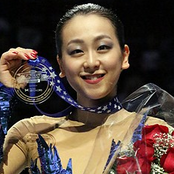
September 25, 20205 yr Happy birthday to Tracy, I hope she has a nice birthday 🎂🎉 Also happy birthday to Mao! Time flies, now Yuna and Mao are both in their 30s! 😲 I remember when they were only 16-17 year olds...
September 26, 20205 yr 9 hours ago, Fay said: Tracy’s birthday photo looks lovely With cheese and wine... Now I must include her in the list of suspects for having spoken of it to her pupil. ;-) I am happy she is fine!
October 9, 20205 yr Happy belated birthdays, Jean Luc Baker and my lovely uncle Sergey! https://www.instagram.com/p/CGDiCFAJKIB/ (Not sure why but I couldn't make this Instagram post by Kaitlin be embedded properly so I share it as a link)
Create an account or sign in to comment