
Bilge
Members
-
Joined
-
Last visited
Everything posted by Bilge
-
I think he did, and i pray one day i can find someone who loves me as much as Yuzu loves the ice/skating
-
Gorgeous
-
Lord of Sendai is actually a kitten!!
-
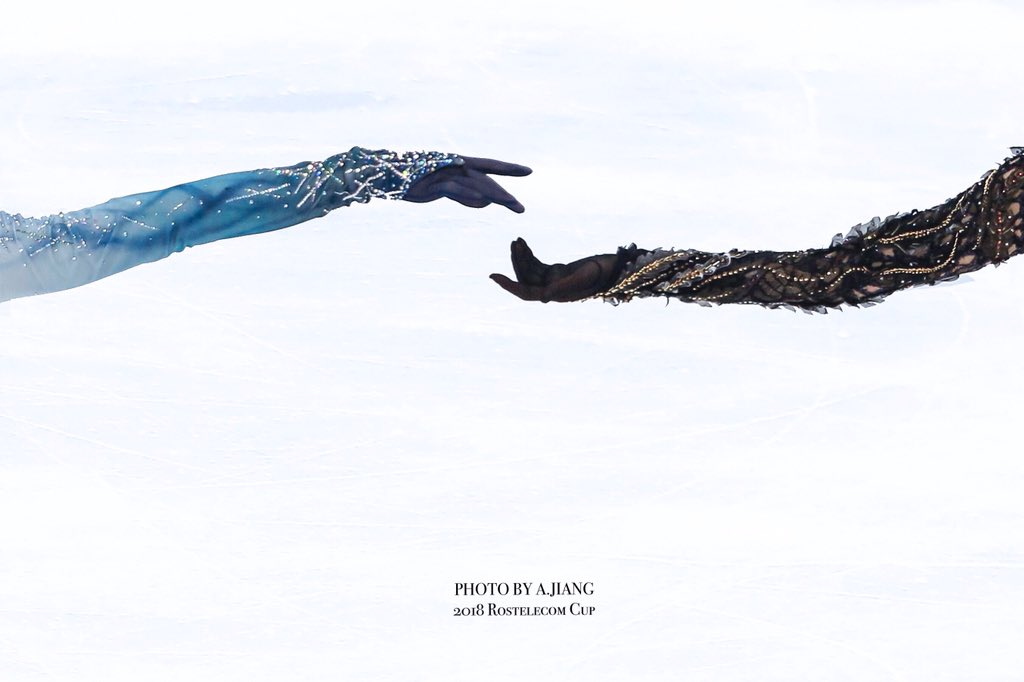
Your wish is my command *-*I vote for cringey but i like what they tried, its gonna be hard for them to choose though, we have a lot of talented fanartistsThis all is so amusingYeah please i want to read that too Yeah thats why it makes me happy seeing their comments. They don’t do it just to praise him but he simply is greatThere is a whole thread comparing yuzu’s costumes to fish or pokemon and i really do enjoy it (on twitter not here but anyway)The development lol (his hand on the 2nd picXD)


Account
Navigation
Search
Configure browser push notifications
Chrome (Android)
- Tap the lock icon next to the address bar.
- Tap Permissions → Notifications.
- Adjust your preference.
Chrome (Desktop)
- Click the padlock icon in the address bar.
- Select Site settings.
- Find Notifications and adjust your preference.
Safari (iOS 16.4+)
- Ensure the site is installed via Add to Home Screen.
- Open Settings App → Notifications.
- Find your app name and adjust your preference.
Safari (macOS)
- Go to Safari → Preferences.
- Click the Websites tab.
- Select Notifications in the sidebar.
- Find this website and adjust your preference.
Edge (Android)
- Tap the lock icon next to the address bar.
- Tap Permissions.
- Find Notifications and adjust your preference.
Edge (Desktop)
- Click the padlock icon in the address bar.
- Click Permissions for this site.
- Find Notifications and adjust your preference.
Firefox (Android)
- Go to Settings → Site permissions.
- Tap Notifications.
- Find this site in the list and adjust your preference.
Firefox (Desktop)
- Open Firefox Settings.
- Search for Notifications.
- Find this site in the list and adjust your preference.