yuzuangel
Administrators
-
Joined
-
Last visited
Everything posted by yuzuangel
-
-
Merry Christmas, everyone! And happy holidays! [NEWS]
-
-
 Download link CREDIT: https://m.weibo.cn/status/4718239048008080#&video
 -
-
-
 Download link
 -
 Download link
 -
 Download link CREDIT:
 -
 Download link
 -
whoaa so gorgeous
-
thanks! btw ill be downloading all replays and posting them here https://planethanyu.com/video/browse/113-2021-japanese-nationals/
-
-
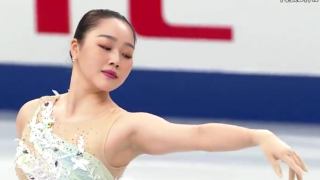 Download link Uncut. Includes various Yuzu fluff throughout.
 -
BTW we are also chatting about Nats (practices and all) here!
-
Ahh, I only see 30 min for the women's SP. Did FujiTV not air the whole competition? @sweetwater would you know? thank you
-
it seems to say that iSakura has become "MujiTV" and I'm wondering if I pay for it will I be able to rewatch / download all nats events? 🤔 It includes 'FujiTV': https://streamingtvasia.com/live-streaming-japanese-tv/#mujitv
-
If anyone is still having issues, try clearing cookies, thanks!! (and let me know if you are still having issues)
-
should be done! unfortunately i had to revert the chanes i told @turquoiseblue i was going to make but ill make them again later
-
WAIT SORRY I WAS SLEEPING IS THIS NEW WHAT WHT I
-
"I'm very well versed in right ankle sprains" pain
-
sorry, not sure why the forum is not working well. i'll try to contact more support to try to get them to help. bad timing
-
still working on it...
-
test
-
good idea! should be done now. it shows the next 10 events let me know if it's too much...