
emesan
Members
-
Joined
-
Last visited
-
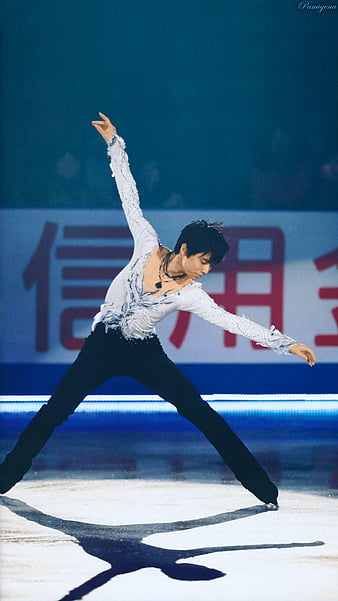
Dear Hanyu Yuzuru, I thank God for your existence. You are a gift to me, and to everyone, with your wonderful skating and your kind personality. During the 9 years that I have been following your career, you have lifted my spirits and with that you have saved my life, because I am diagnosed with depression and, in the darkest moments, you have been a light. Now I want to lift your spirits and tell you that I support you and I will always support you. You have done the best you could. Better times will come. Don't be discouraged. Keep going. I love you very much. Eme San Venezuela
-
Hola. La mayoría de las fanyus con las que tengo contacto están en twitter, pero ahora que es X y que cada día funciona peor, pienso que este foro es el mejor lugar para mantenerme informada de lo que hace Yuzuru y conectar con otros fans. Un abrazo desde Venezuela.