Skip to content
View in the app

A better way to browse. Learn more.

Planet Hanyu

A full-screen app on your home screen with push notifications, badges and more.

To install this app on iOS and iPadOS
  1. Tap the Share icon in Safari
  2. Scroll the menu and tap Add to Home Screen.
  3. Tap Add in the top-right corner.
To install this app on Android
  1. Tap the 3-dot menu (⋮) in the top-right corner of the browser.
  2. Tap Add to Home screen or Install app.
  3. Confirm by tapping Install.

aribou

Members
  • Joined

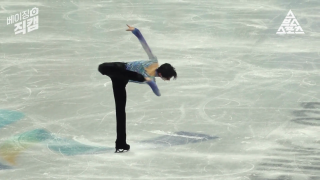
  1. I've added an alt viewpoint/fancam of Yuzu's Beijing SP shot by Subusu Sports to the Videos section. The original posted on youtube is geo-locked to Korea.
  2. I don't get it either. There's plenty of evidence, and if they actually cared the commission could acquire it. This "No evidence was submitted directly to us" is a farce. They just don't care about justice for the victim. Gross negligence of duty, I hope they all face charges for this.
  3. Disgusting! These people are infuriating.
  4. Still cannot get over them picking that for a 13 year old... hard to imagine a theme more unsuitable
  5. *record scratch* *freeze frame* "Yup, that's me. So you're probably wondering how I got here."

Account

Navigation

Search

Search

Configure browser push notifications

Chrome (Android)
  1. Tap the lock icon next to the address bar.
  2. Tap Permissions → Notifications.
  3. Adjust your preference.
Chrome (Desktop)
  1. Click the padlock icon in the address bar.
  2. Select Site settings.
  3. Find Notifications and adjust your preference.