
OhYuzu
Members
-
Joined
-
Last visited
-
Yuzu is redoing POTO right? Is it for fs, sp, or ex?
-
Ohhh Nice~~ Ako din! Di naman lahat!! sila @biellmanns sa Laguna ata dibaa
-
Helllooo!!! taga san ka, if you don't mind sharing? so we can plan meet ups heeh
-
OOOHH Hi!
-
Let's do it! I think no one would magsasawa sa flood ng bb zuzu pics. So keep em coming!
-
So I guess today's, Daily Yuzy thing, is kung gaano ka dami ang yuzu content natin. I thought the daily Yuzu thing would be "What's your fave fs program" 😂😂 My heart is not ready
-
Mga one fourth puro duplicate.
-
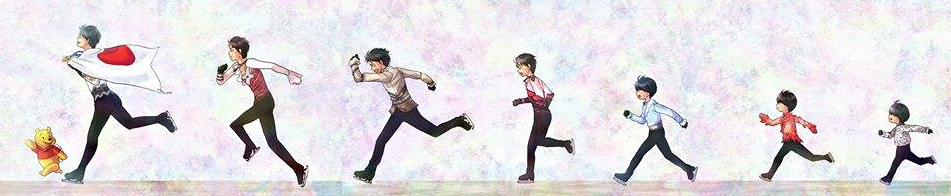
Speaking of baby zuzu pics...
-
ANG CUTE GRABEE I have like 8000 pics of zuzu. pero wala masyado nung mga early years niya.
-
Sa Twitter ako nag iingay. Hahaha SOBRANG INEEETT GRABE. But yeshh Yuzu is not being the hermit that he usually he is. I like the idea of a daily "something" kaya lang I don't know what to do.
-
HAPPY BIRTHDAY! OMAEDOTO!
-
Uwwwwaahhhh! OMAEDOTO! I HAPPY BIRTHDAY!
-
I hope na him joining FaOI means na maayos ang rehab niya. ㅠㅠ I wish i-skate ni javi yung Super Javi tapos si yuzu yung mag bubuhos!
-
I don't think so? Last time ata walang full coverage pero may clips lang.
-
Yung araw talaga yung pinarade sa Sendai eh. Sobrang bright ni Yuzu grabe T_T how will I survive. T_T Kawawa nga si zuzu eh yung arms niya pagod na pagod. hahaha mag lulurk na lang siya ulit. Kung mag susummer camp si Boyang sa TCC baka lumabas siya sa sns.