
6277
Members
-
Joined
Everything posted by 6277
-
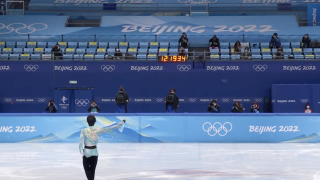 Taken from olympics youtube channel
 -
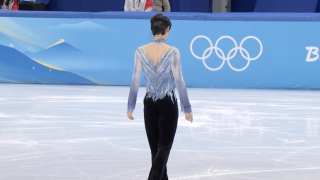 Taken from olympics youtube channel
 -
Hi! Long time lurker here, just popping up to say I've got SP and FS (without commentary) ripped from the olympic channel,but I'm not quite sure on how to share them (I'm uploading them onto a google drive right now)
-
Not sure, but I think you may be talking of this one: http://www.dailymotion.com/video/x6ey7bf (on the last 10 seconds, just when Ogimama was about to talk to Yuzu they run out of time, so all he could do was to say"Congratulations!")
-
I might be remembering wrong, but I think he actually said something along the lines of he doesn't know still if he'll go for another Olympics (haven't quite thought about it), but if he were to be there, he'll aim for gold.
-
He did say that (and added a lovely little laugh after answering that just looking at the scores, his win was assured no matter if Shoma landed thatt 4Lo). He also added that if he were to retire now (of which he made very clear he has no intention to do anytime soon, since there's still things he wants to accomplish), he'd feel safe/confortable leaving the sport to Shoma on Japan, but at the same time, he still thinks there are things he should teach Shoma properly, as not saying he wants to sleep in front of the media >< (or something like that... Sleep is getting to me)
-
If I'm not reading it wrong, Yuzu is getting a surprise present from ANA this evening (as a reward for the gold medal) Back at Sochi, the reward was a family trip for wherever they wanted to go.
-
It was my pleasure (and as I said before, thank you for finding that link ><)
-
Hi! Long time lurker here popping out just to give you a dd link: https://drive.google.com/file/d/1b4g2Jd48-01iIpxsCzrWu1vqfWBZTY_y/view?usp=sharing (it was after all, thanks to you I got to save the vid! ^^ )
