Aeris
Members
-
Joined
-
Last visited
Everything posted by Aeris
-
-
-
-
 Part 1: 2014 CM + Making Part 2: 2015 CM + Making Part 3: 2016 CM + Making
 -
-
 Translation by Grace Lu. Subbed by Aeris. Do not reupload.
 -
-
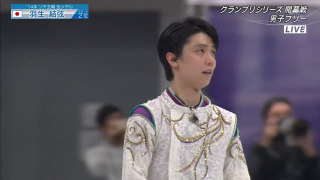
 Translation of Yuzuru's words 0:00-0:29 If you cannot do it, practice until you can do it. If you can do it, then practice until you can do it perfectly. If you can do it perfectly, then practice until you can do it perfectly every time. 0:30-1:00 Effort. Passion. Devotion. Growth. Victory. Future. Gratitude. Challenge. Progress. Sports. Water. Amino acids. Amino Vital.
 -
-
-
-
 Translated by @¯\_(ツ)_/¯. Subbed by Aeris.
 -
-
-
-
-
-
-
-
-
-
-
-
-
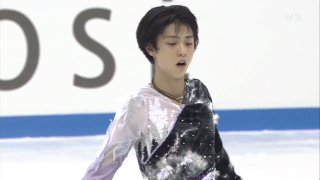
 Partial translation: https://yuzusorbet.tumblr.com/post/127705366707/yuzus-parts-in-the-new-ghana-video-my-simple