
aquasox
Members
-
Joined
-
Last visited
-
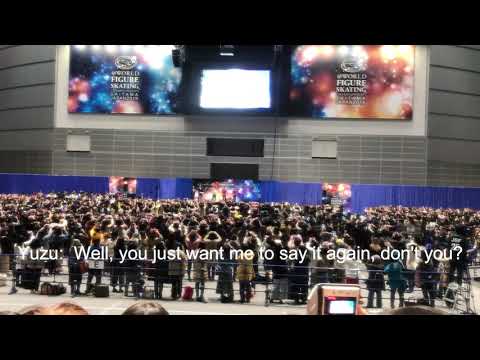 Here I posted my first YouTube video ever but I felt like it is my mission that I should deliver Yuzu's thoughtful words to ALL fans - not just for Japanese speakers. For some reason, Fuji Television, who organized the event, forgot to give English translations on Yuzu's interview at Small Medals Ceremony even though such a super-good, professional interpreter was present. It was a very tough process to attend this event because operation made us line up hours very cold outside starting before dawn. Yuzu's kind and inspiring words flushed away all the negativity for us but I felt so bad for many non-Japanese speakers who attended there too yet could not receive Yuzu's heartfelt messages there. I took my video from a bit far and know it does not show up-close Yuzu (sorry!) but sound is good. I just wanted to give English translations to share such wonderful words that Yuzu gave us, all of us! If you expect some videos of this interview to see the cutest Yuzu closer, there are some others available on YouTube. I will be happy if you can feel from my video here - the sweetness and softness of Yuzu's after-the-battle voice, his respect for the fellow skaters, appreciation for us the fans, and incredible passion to his sport. And yes, he was absolutely brilliant as always!
