.jpg.f1655e8b25691c354d5e740fad91292d.jpg)
palomapm19
Members
-
Joined
-
Last visited
-
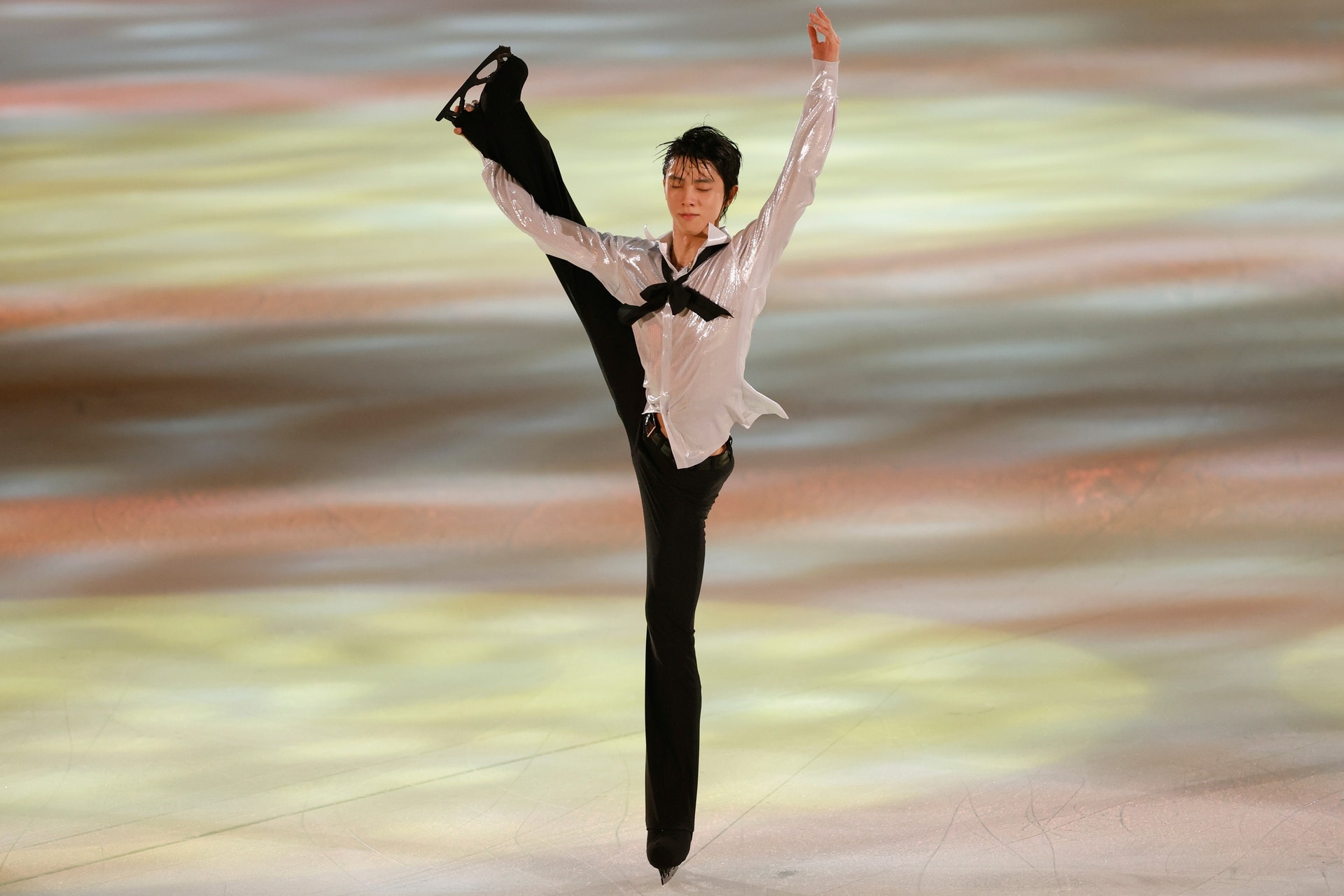
Love when he looks so happy after a program, hope to see this one once more-.
-
Thank you so much, I bought it
-
I bought an Aera magazine with the Yuzu cover but Is not the one with the whole photo set. I see the other two on Amazon jpn, the one with Yuzu and the photos in that pretty blue clothes is the hardcover special right? I want to buy it but I don't want to go wrong again :c
-
it's really cute haha all mascots love Yuzu
-
It's really pretty and poetic, the blue flowers and the pink buds in the sakura. Its so Yuzu
-
Hey use TENSO, is easy and they explain all the steps in their store, I bought a lot of Gift goods that are supposed to arrive next week.
-
I want to see H&L again and also One summer day but the magic of Gift is special and SOI stage is not that good. But any program that Yuzu brings back or any new one is good.
-
So pretty
.thumb.jpg.78cf46d0b3c6acdf8ce50cf3daa2ed3f.jpg)
